
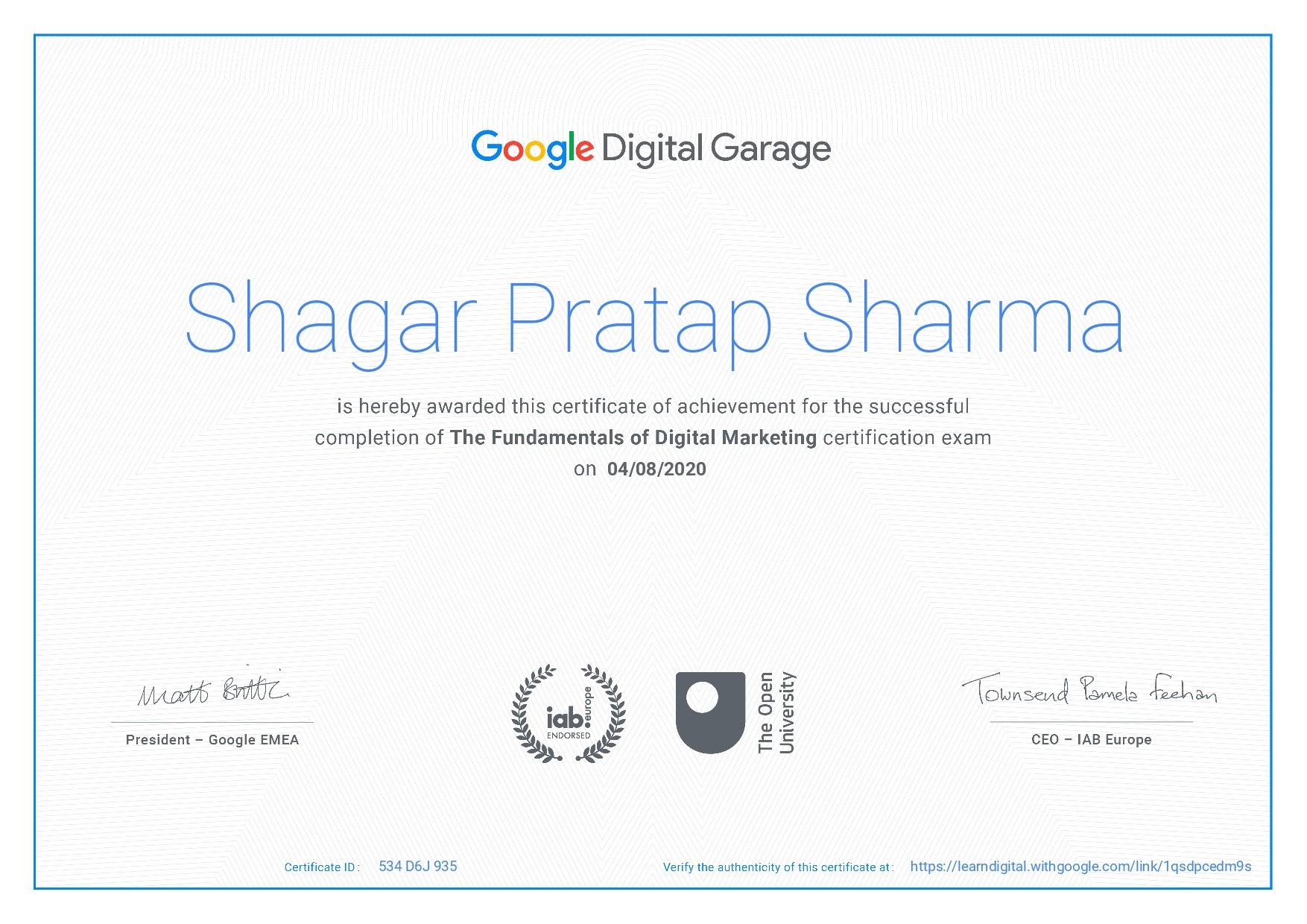
Google Digital Marketing Garage: A Guide to Google’s Digital Skills Training
Google Digital Garage is a learning initiative designed to help people build practical digital skills. Its courses have covered topics including digital marketing, online business, data and technology. For beginners, it can be a useful introduction to the tools and ideas behind promoting a business online.
Course availability and names may change over time, so check Google’s official learning pages for the latest options. Some training has also moved into other Google learning platforms, including Skillshop and Grow with Google.
What is Google Digital Garage?
Google Digital Garage was created to make digital training more accessible. Its learning materials have included online lessons, videos and practical exercises, with subjects ranging from search engine optimisation (SEO) and online advertising to social media and website analytics.
The content is intended for a broad audience. Small-business owners can explore ways to reach customers online, while students, jobseekers and marketing newcomers can use the lessons to develop foundational knowledge.
What can you learn?
Digital marketing courses associated with Google Digital Garage have covered several core areas:
- Search engine optimisation: Understand how search engines find and rank web pages, and how useful content and a well-structured website can support visibility.
- Search advertising: Learn the basics of paid search campaigns, including choosing keywords, writing adverts and considering campaign performance.
- Social media: Explore how businesses can use social platforms to connect with audiences and share relevant content.
- Analytics: Discover how website data can help you understand visitor behaviour and assess marketing activity.
- Content and email marketing: Learn how to plan content and communicate with customers through digital channels.
- Online business skills: Explore topics such as building a digital presence, reaching customers and developing an online strategy.
The precise subjects, lesson formats and course lengths depend on what is currently available.
Who can benefit from the courses?
Google’s digital learning resources may suit people at different stages of their careers. They can be a starting point for beginners who want to understand digital marketing terminology, as well as a refresher for business owners reviewing their online presence.
They may also help employees develop general digital skills. However, a course is only one part of professional development: applying what you learn to real projects is important for building confidence and experience.
Are Google Digital Garage courses free?
Many courses offered through Google’s learning initiatives have been free, although availability and terms can vary by programme and location. Check the course page before enrolling to confirm whether there is a cost, how the lessons are delivered and whether you need to complete an assessment.
Can you get a certificate?
Some Google courses have offered certificates or completion records, but this is not guaranteed for every course. Certificate requirements can also change. Before you start, check the current course information to see whether a certificate is included and what you need to do to earn it.
A certificate can show that you have completed a course, but it does not replace practical experience. If you are developing a CV or portfolio, consider pairing your learning with examples of work, such as a simple marketing plan, an SEO review or a sample advertising campaign.
How to get the most from a digital marketing course
- Set a clear goal. Decide whether you want to learn about SEO, paid advertising, analytics or digital marketing more broadly.
- Check the course details. Review the syllabus, estimated study time and any assessment or certificate requirements.
- Take notes as you go. Record useful ideas and terms so you can revisit them later.
- Practise on a real or sample project. Apply the lessons to a business website, a personal project or a fictional campaign.
- Keep learning. Digital marketing changes frequently, so use the course as a foundation and check current guidance from reliable sources.
Is Google Digital Garage worth trying?
Google Digital Garage can be a helpful place to explore digital marketing basics, particularly if you are looking for accessible, self-paced learning. Its resources may help you understand key concepts and identify areas you would like to study in more depth.
As course offerings can change, the best next step is to visit Google’s official learning platforms and confirm which programmes are currently available. Choose a course that matches your goals, then put the lessons into practice to turn new knowledge into useful skills.
Maximise Your Learning: 5 Essential Tips for Success with Google Digital Marketing Garage
- Set clear goals before starting a course.
- Choose lessons that match your business needs.
- Take notes on useful marketing ideas.
- Apply what you learn to a real project.
- Review your progress and update your skills regularly.
Set clear goals before starting a course.
Before starting a Google Digital Marketing Garage course, set a clear goal for what you want to learn. You might want to understand SEO, improve your social media strategy or get to grips with online advertising. Knowing your aim will help you choose the most relevant lessons, stay focused as you study and put your new skills into practice.
Choose lessons that match your business needs.
Choose lessons that match your business needs, rather than trying to cover every topic at once. If you want to attract more visitors from search, start with SEO; if you need to reach customers quickly, explore online advertising; and if you’re unsure what’s working, focus on analytics. A targeted approach makes your learning more relevant and helps you put new ideas into practice straight away.
Take notes on useful marketing ideas.
When studying with Google Digital Garage, make a note of useful marketing ideas, examples and key terms as you go. Writing them in your own words can help you remember what you have learnt, while grouping notes by topic—such as SEO, social media or analytics—makes them easier to revisit. Add a quick reminder of how you could apply each idea to your own business or project, so your notes become a practical resource rather than just a record of the lesson.
Apply what you learn to a real project.
Apply what you learn on Google Digital Garage to a real project to turn theory into practical experience. For example, use the lessons to improve a small business website, plan a social media campaign or review website analytics. Start with a clear goal, try out the techniques and note what works. This hands-on approach can deepen your understanding and give you concrete examples to include in a portfolio or discuss with potential employers.
Review your progress and update your skills regularly.
Make the most of Google Digital Marketing Garage by reviewing your progress regularly and revisiting topics that need more attention. Digital marketing changes quickly, so keep your skills up to date by exploring new lessons, checking current guidance and practising what you learn. This ongoing approach helps you build confidence and apply relevant knowledge to real-world projects.